
Secure macOS Intune Deployment with Defender and Global Secure Access
Introduction
My personal tech setup consists of:
- MacBook Pro, managed with Intune
- Defender Onboarding as Protection in the XDR stack
- Global Secure Access, Private & Internet Access for secure access to my resources and the Internet
To me, that's the perfect set of technology to empower my daily work and keep me secure from every angle. MacOS + Intune Management and Global Secure Access are shiny-objects 🌟 in the Microsoft ecosystem and both have been released in the past few years.
If you are looking for detailed concepts on these technologies, have a look at the posts below. This post will cover the security setup of deploying macOS with Intune and onboarding it with Defender (for Endpoint) and Global Secure Access.
 Niklas Tinner
 Niklas Tinner
Security
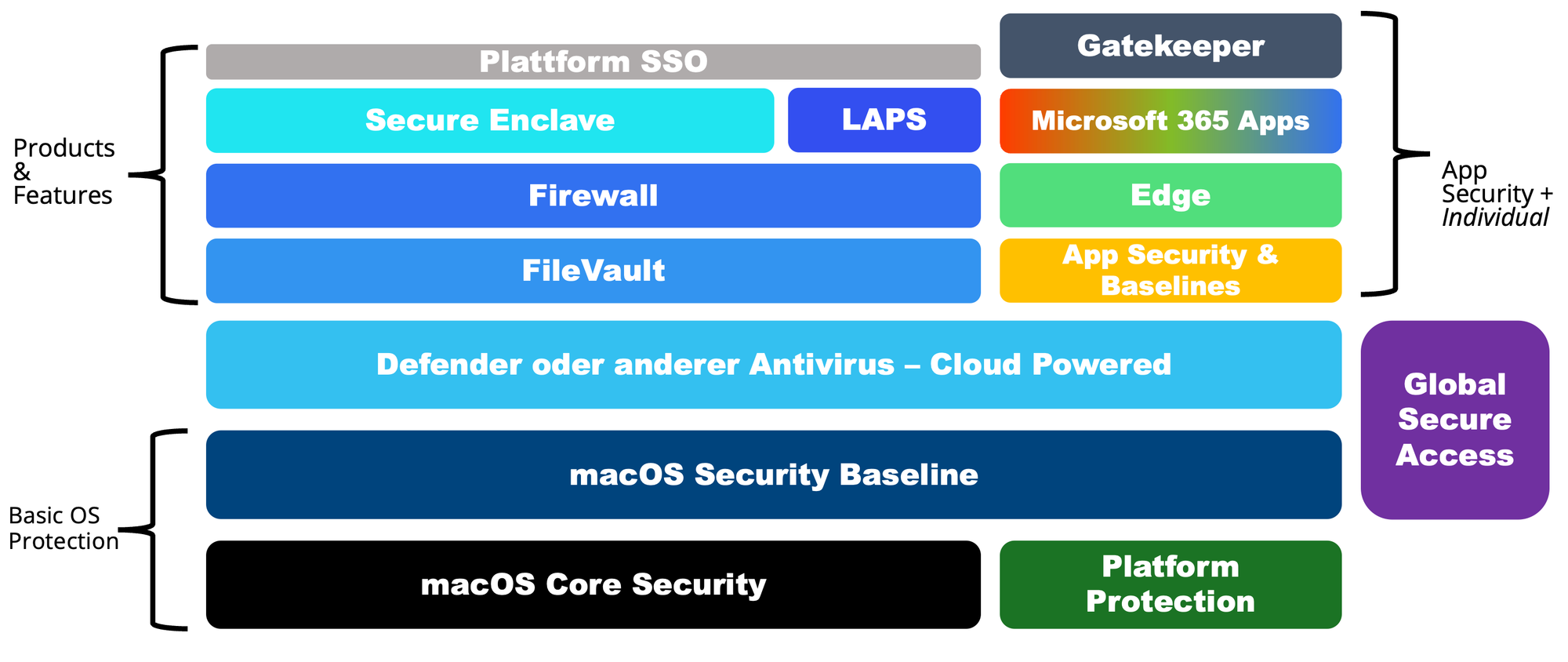
First off, let's talk about endpoint security on macOS. There are a few frameworks, that all aim to provide a holistic operating system and feature hardening of the platform:
- macOS Security Compliance Project
- Community hardening guide by Hubert Maslowski
- NCSC guidance
- CIS benchmarks
- STIG
The whole security stack consists of layers including the Apple Platform Security Guide and specific security features and extensions that Microsoft built in addition.
Defender for Endpoint
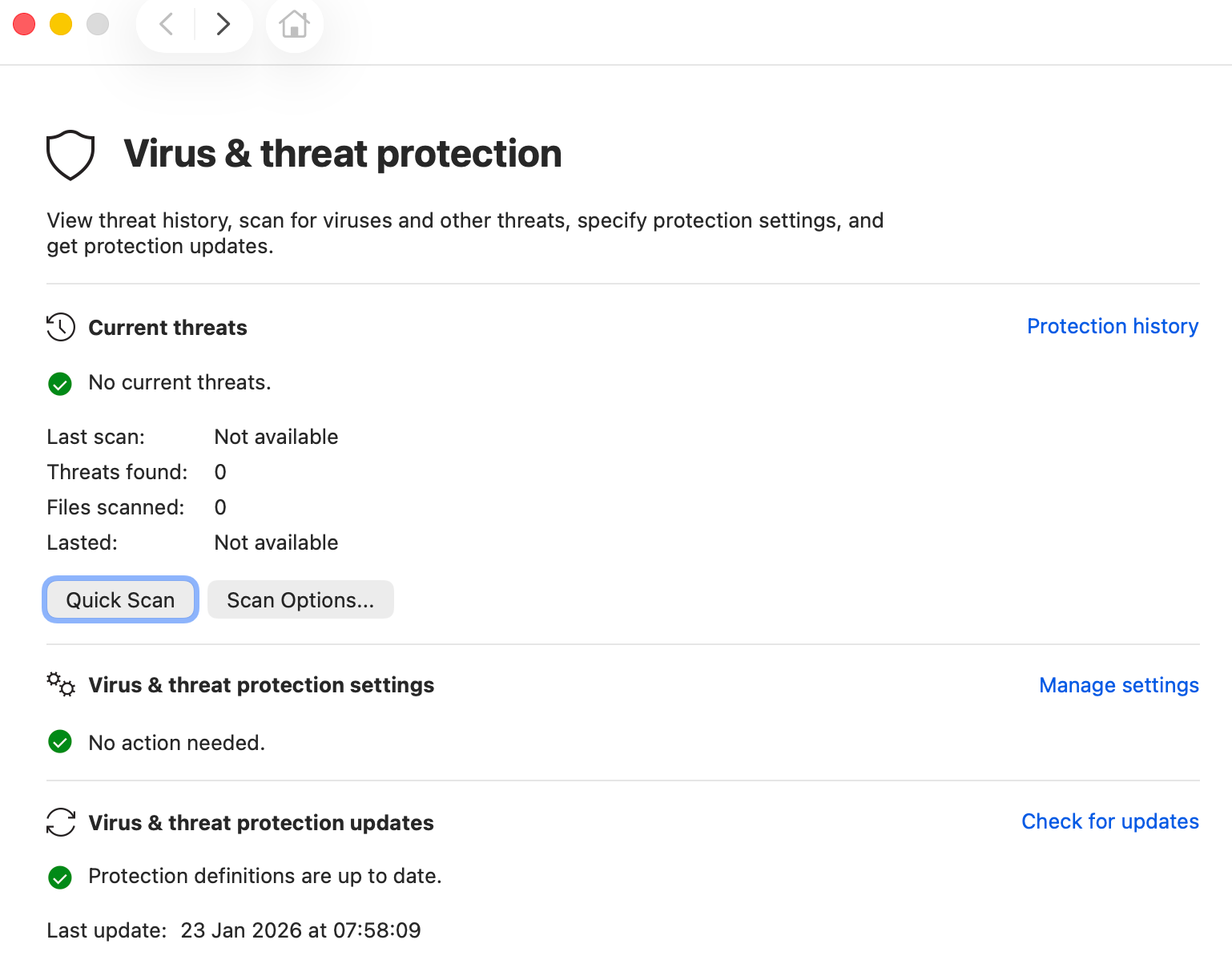
Defender for Endpoint (MDE) is your go-to cloud-powered antivirus that cares of detection and remediation of threats on the system. It integrates deeply using modern system extensions, transitioning from older kernel extensions for enhanced security and stability. MDE on macOS detects threats by computing hashes of script and Mach-O files, then comparing these hashes against known indicators of compromise (IoCs). It utilizes behavioral analysis to identify suspicious activities and patterns that might indicate a new or evolving threat. This combined approach allows it to proactively detect and mitigate malicious activities on the macOS endpoint.
Configuration
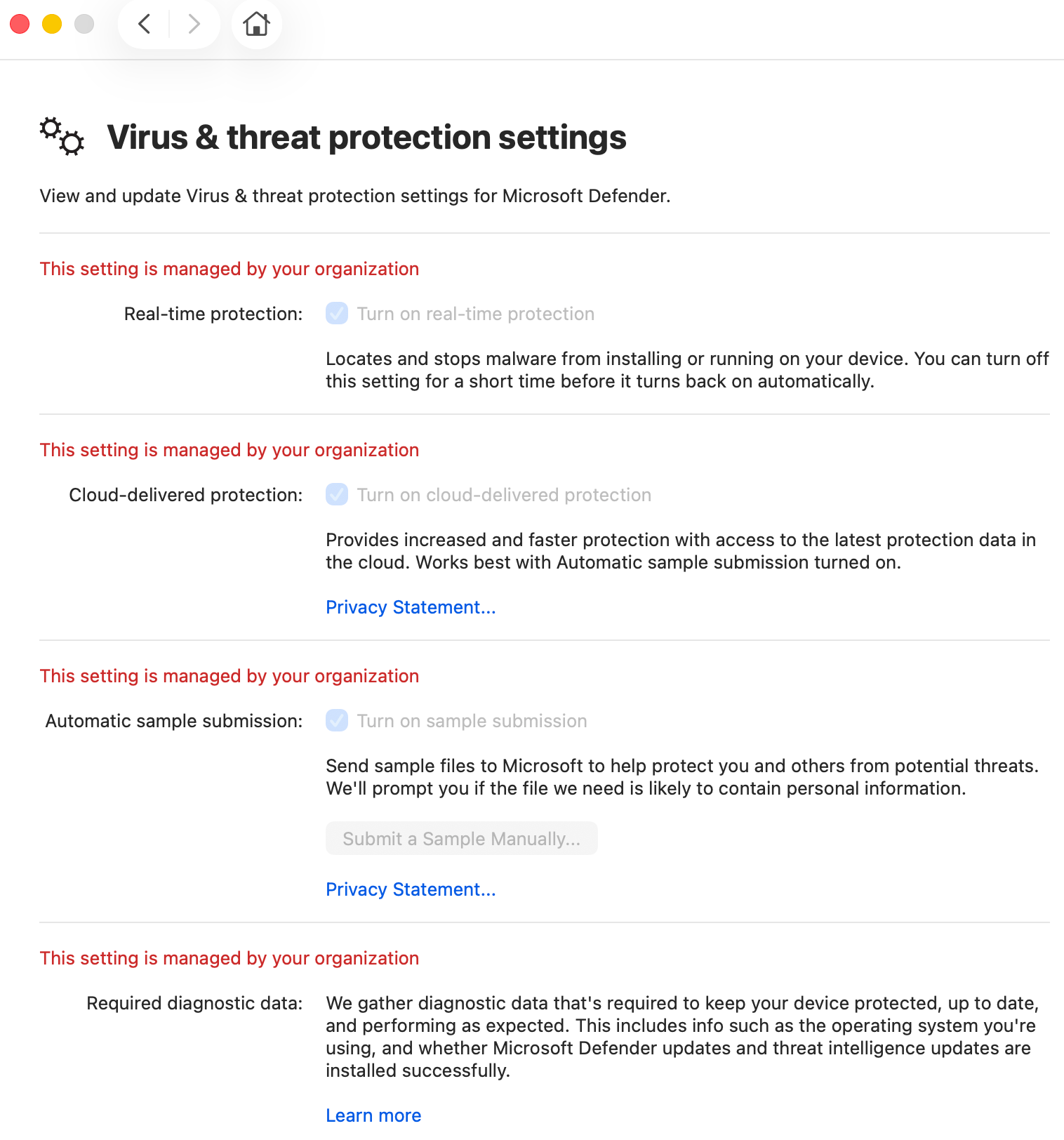
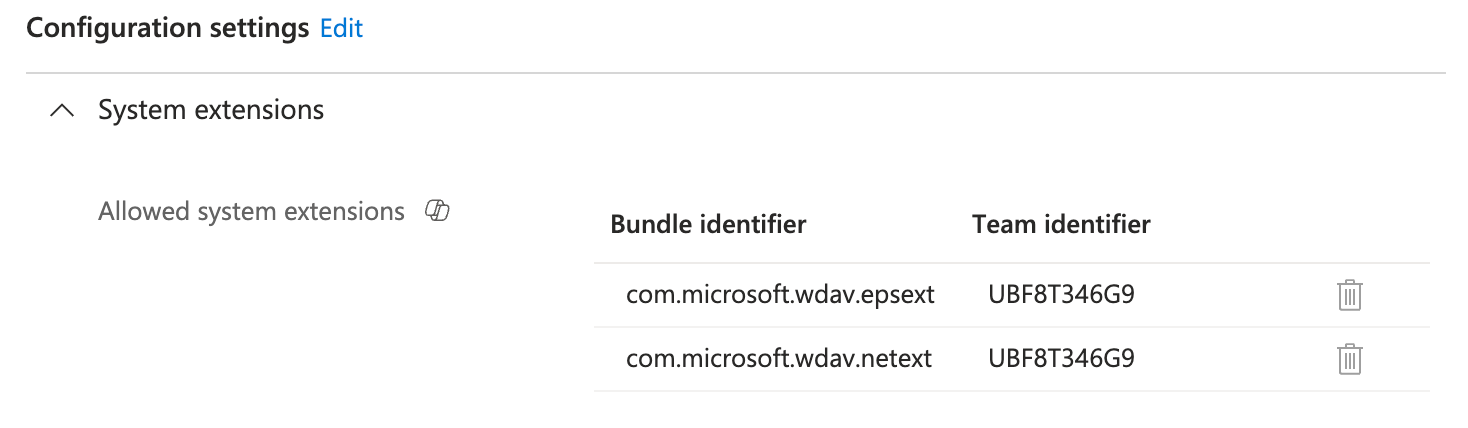
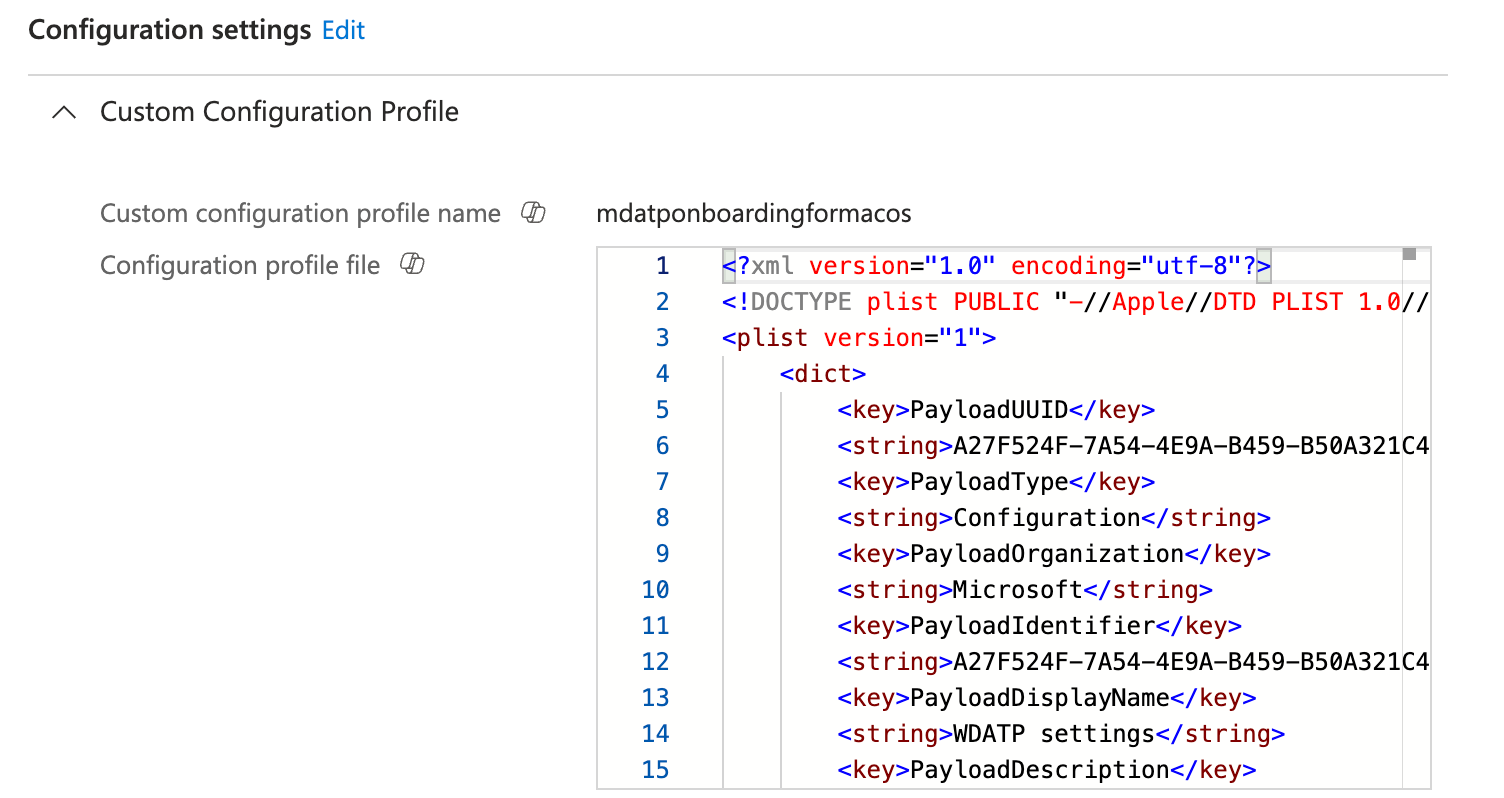
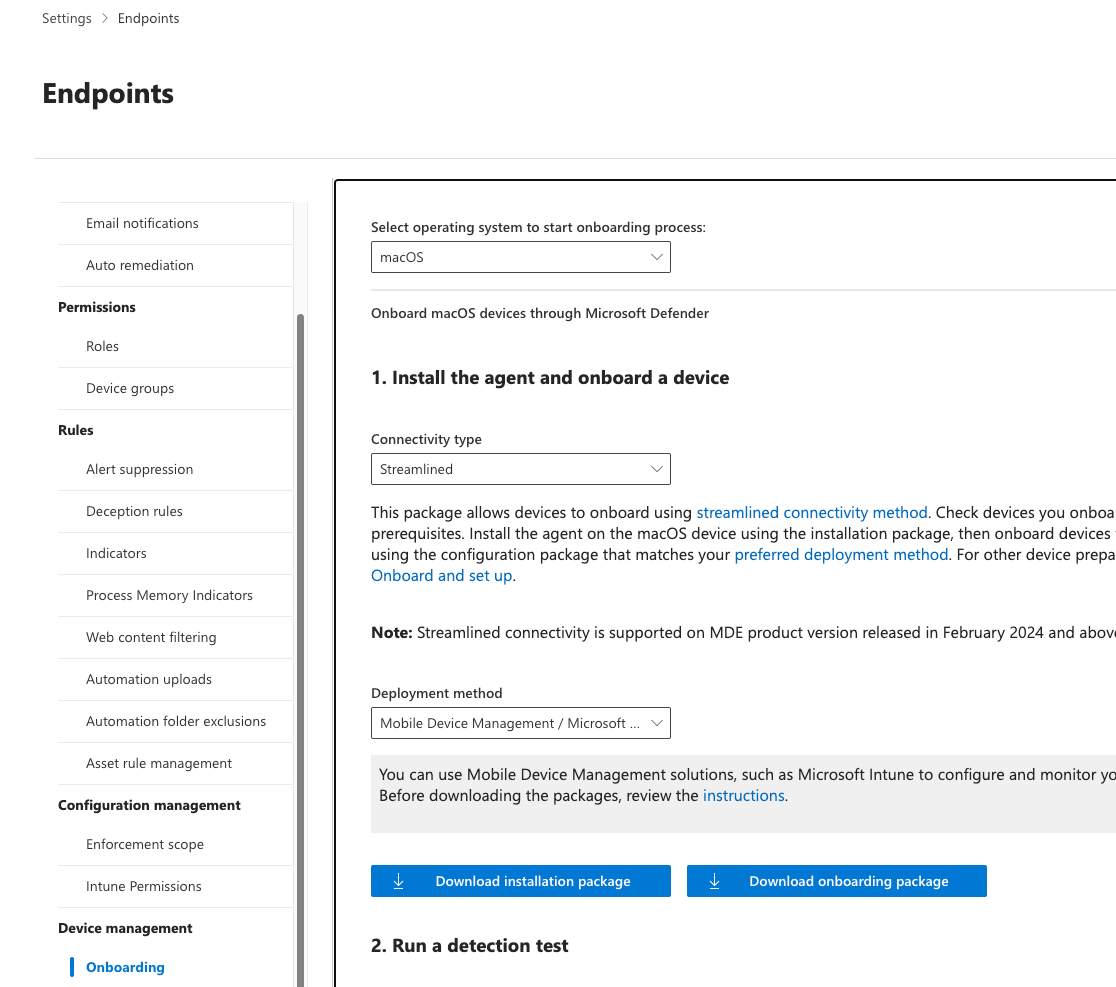
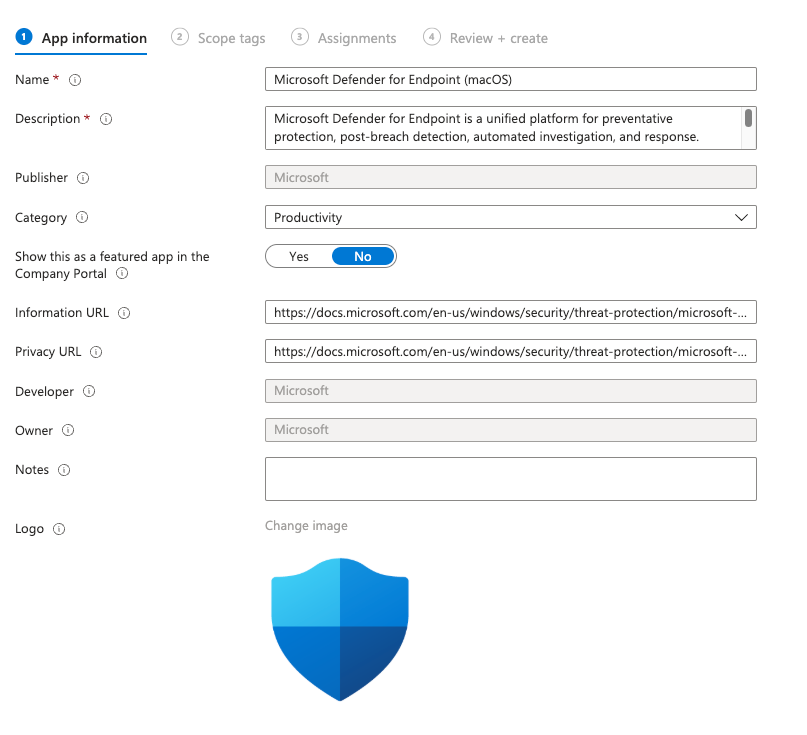
To onboard Defender AV and MDE on a macOS device you need the following configuration through Intune:
- MDE Settings (Access to system services, Privacy regulation)
- MDE Onboarding Package (individual per Tenant)
- Defender AV App deployment
Get it here from the official Microsoft GitHub Repo:
 microsoft
Global Secure Access
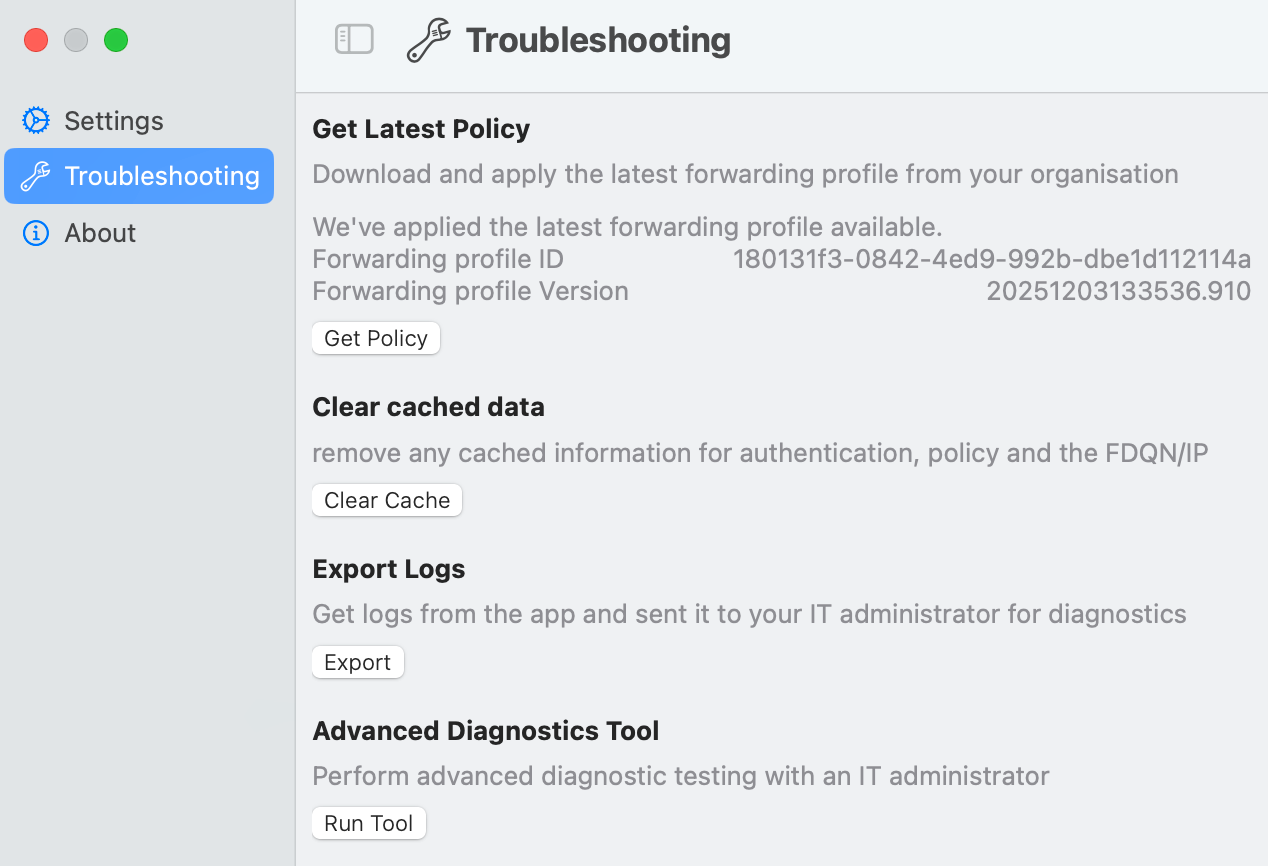
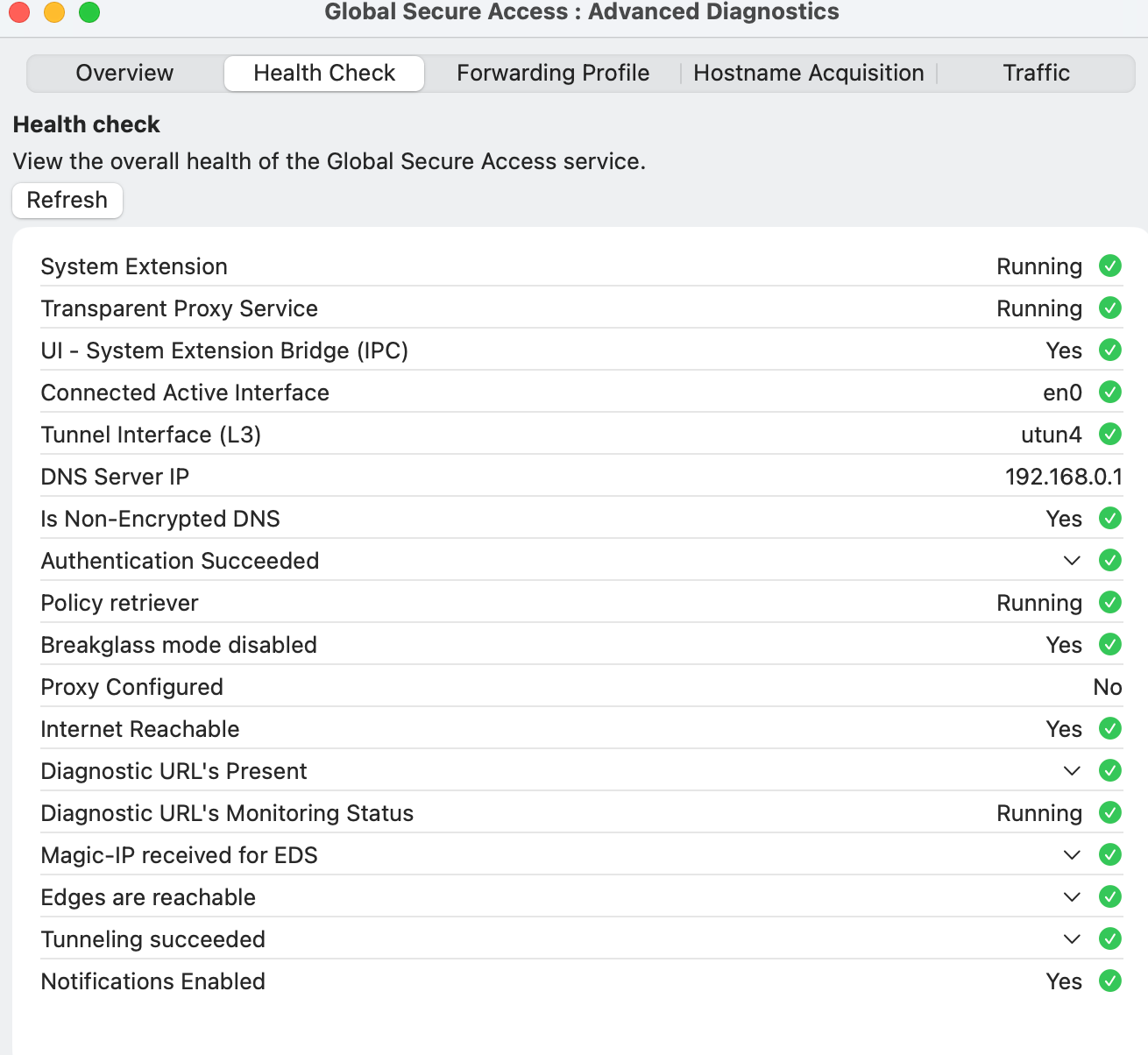
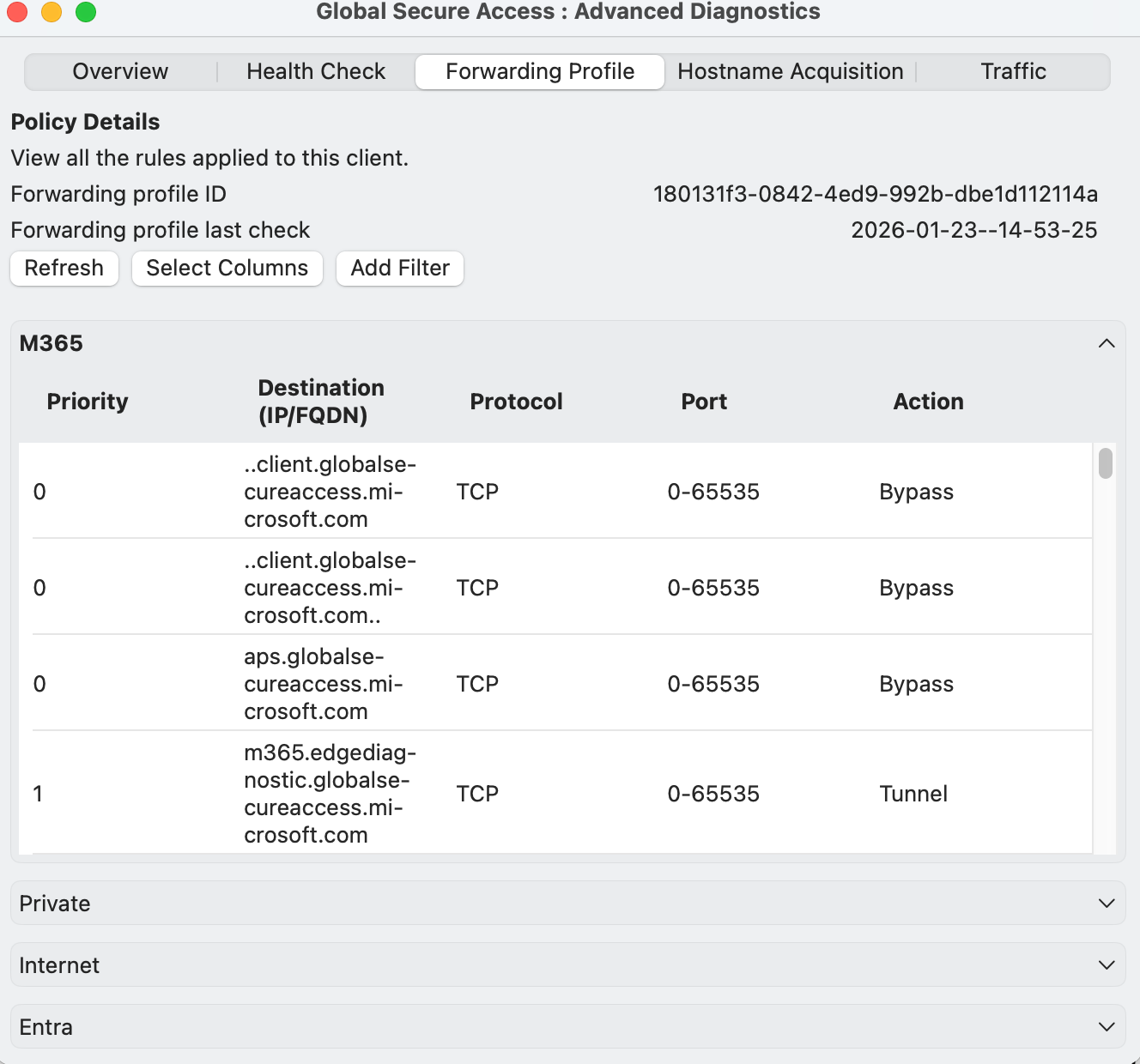
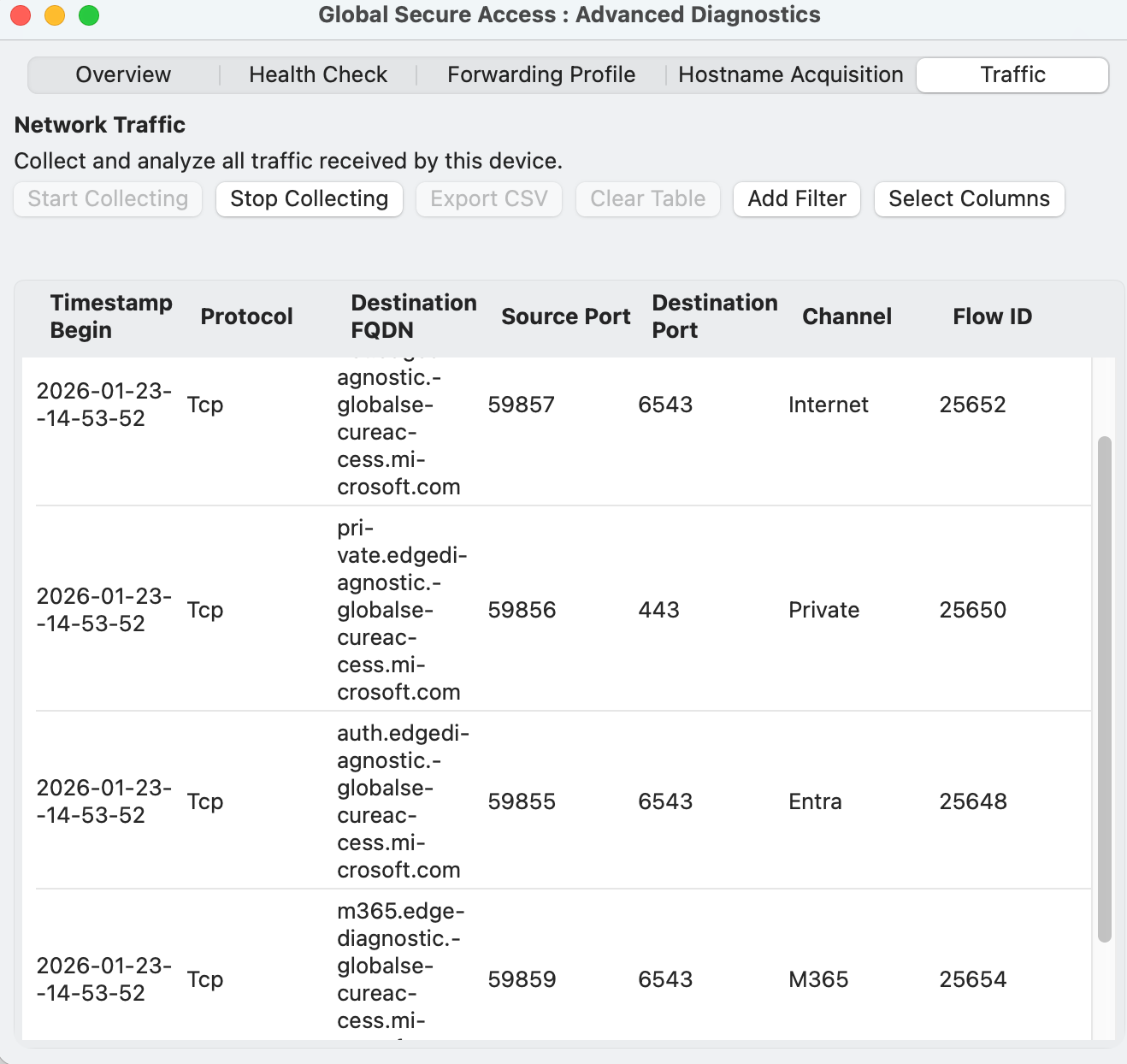
Microsoft Global Secure Access on macOS works through a client application installed on the device, which secures network traffic at the end-user level, independent of the network with which you are connected. This client's main task is to redirect specific network traffic, determined by configured "forward profiles," to the Global Secure Access cloud service for security processing, while other traffic goes directly to the network. This enables VPN, ZTNA, and Cloud-Firewall capabilities. Technically, it achieves this by adding proxy configurations and requires user approval for its system extension to function properly.
Configuration
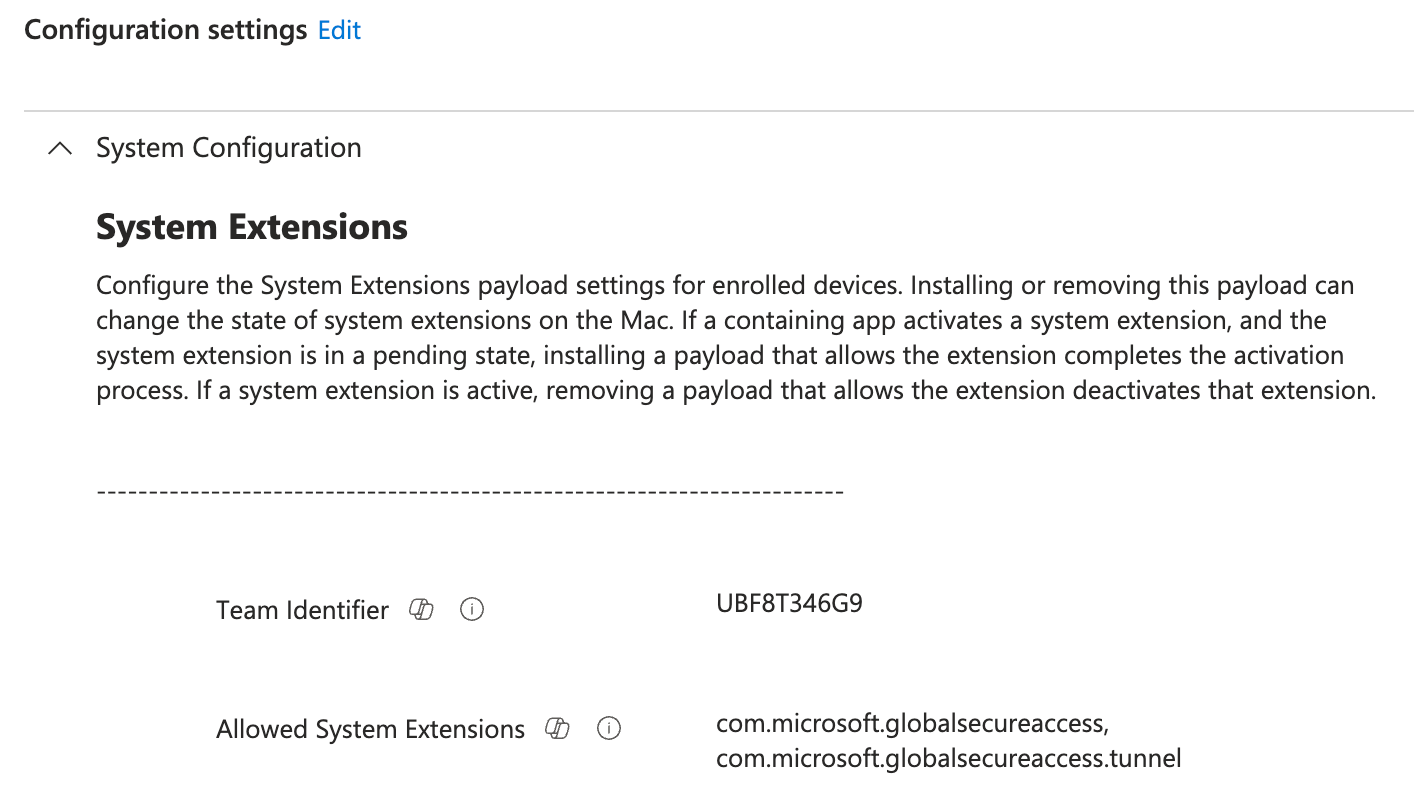
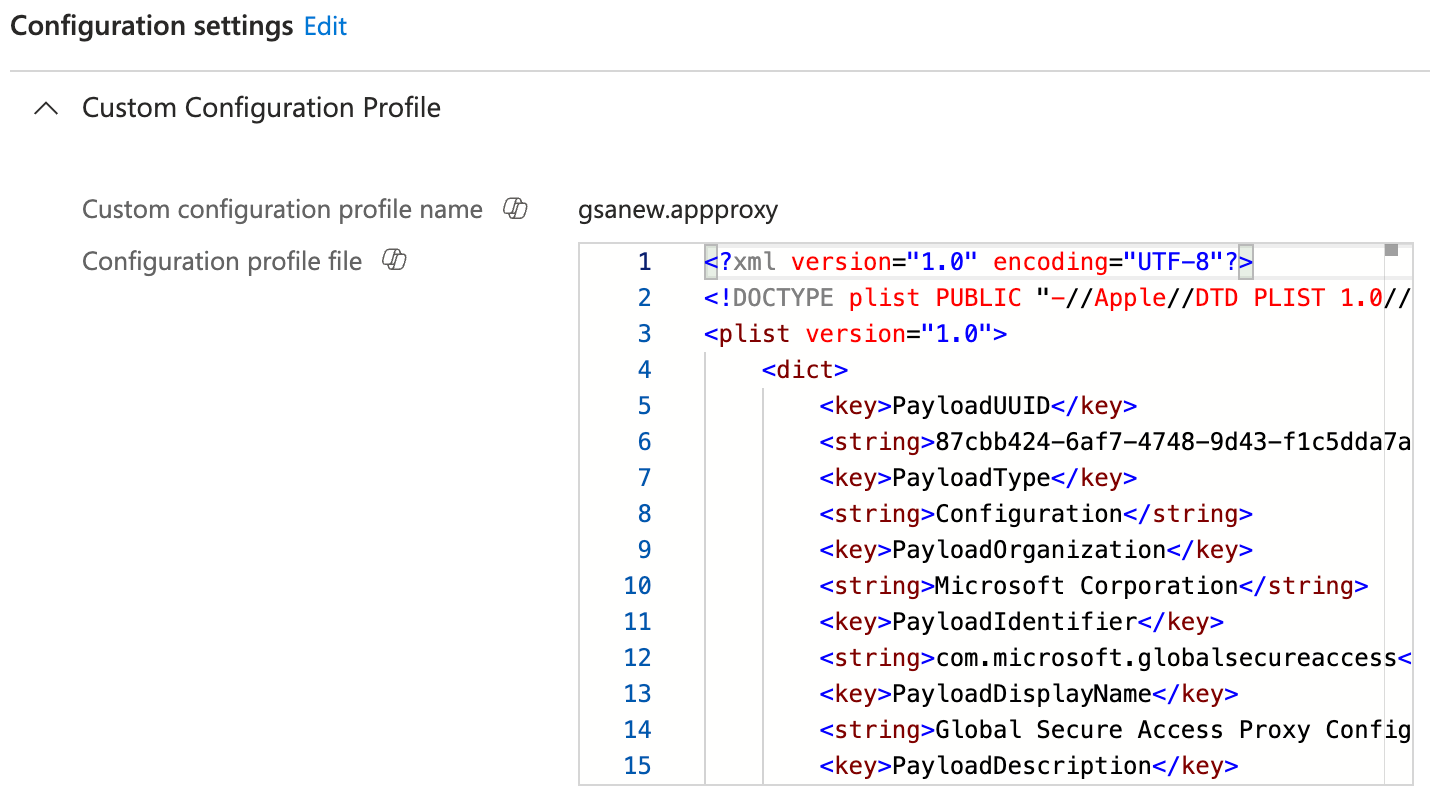
To onboard GSA on a macOS device you need the following configuration through Intune:
- SystemExtension (Settings)
- Proxy Configuration (VPN)
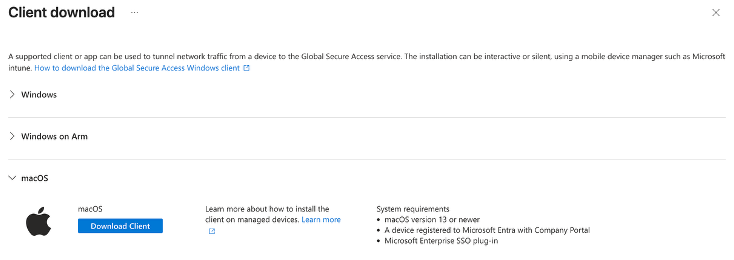
- GSA App deployment
powered by Oceanleaf
 Niklas Tinner